
Cart is empty
Free Ground Shipping within US 48 states
 ALL CATEGORIES
What Is a Storage Server and Why It Matters for Modern Data Needs
03/29/2026
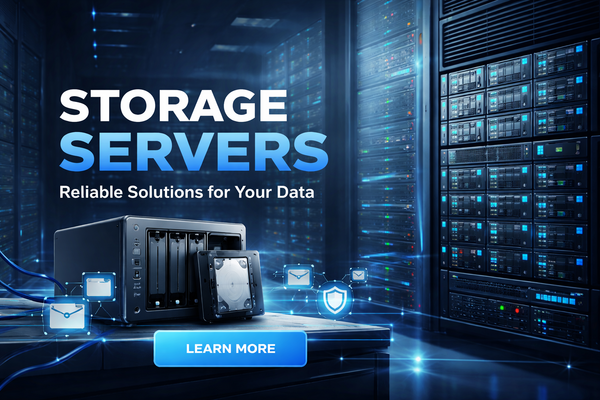
In today’s data-driven world, managing files efficiently is more important than ever. Whether you’re running a business, managing a creative workflow, or simply storing years of personal data, a storage server can be a powerful solution. But what exactly is a storage server, and why should you consider using one?
What Is a Storage Server?
A storage server is a dedicated system designed to store, manage, and provide access to data over a network. Unlike a regular desktop computer, its primary role isn’t running applications—it’s handling data storage and making that data accessible to other devices.
You can think of a storage server as a central hub where all your files live, allowing multiple users or devices to access, share, and back up data efficiently.
Types of Storage Servers
There are several types of storage servers, each designed for different use cases:
1. Network Attached Storage (NAS)
NAS devices are among the most popular storage servers for both home and small business use. They connect directly to your network and allow multiple users to access files.
Best for:
- Home users
- Small teams
- Media storage and streaming
2. Storage Area Network (SAN)
A SAN is a more advanced, high-speed network that provides access to consolidated storage at the block level.
Best for:
- Large enterprises
- High-performance applications
- Databases and virtualization
3. Cloud Storage Servers
Cloud-based storage servers are hosted remotely and accessed via the internet.
Best for:
- Remote teams
- Scalability
- Offsite backups
Key Benefits of a Storage Server
Centralized Data Management
A storage server allows all your files to be stored in one place, making it easier to organize, manage, and secure your data.
Easy File Sharing
Users across a network—or even across the world—can access and share files seamlessly.
Data Backup and Redundancy
Most storage servers support RAID configurations or cloud backups, helping protect your data against hardware failure.
Scalability
Need more space? Many storage servers allow you to add additional drives or expand capacity without replacing the entire system.
Improved Security
Storage servers often include features like user permissions, encryption, and monitoring tools to keep your data safe.
Common Use Cases
- Businesses: Central file storage, backups, and collaboration
- Content creators: Managing large video or photo libraries
- IT environments: Hosting virtual machines and databases
- Home users: Personal cloud, media streaming, and backups
Things to Consider Before Choosing a Storage Server
Storage Capacity
Estimate how much data you need now and in the future. It’s always wise to plan for growth.
Performance Requirements
If you’re working with large files or many users, faster drives (like SSDs) and higher network speeds are important.
Redundancy and Backup
Look for RAID support or integration with cloud backup solutions to protect your data.
Budget
Storage servers can range from affordable NAS devices to expensive enterprise systems. Choose one that fits your needs without overspending.
Ease of Use
Some systems are plug-and-play, while others require technical expertise. Pick one that matches your comfort level.
Building vs Buying
You can either:
- Buy a prebuilt storage server (like a NAS device), which is easy to set up
- Build your own server, offering more customization and potentially lower cost
Each option has its pros and cons depending on your technical skills and requirements.
Final Thoughts
A storage server is more than just a place to keep files—it’s the backbone of efficient data management. Whether you’re safeguarding important documents, collaborating with a team, or managing massive media libraries, a well-chosen storage server can save time, improve productivity, and provide peace of mind.
As data continues to grow in importance, investing in the right storage solution isn’t just a convenience—it’s a necessity.